Creation Studio
A creative suite in the desktop: sheets, photos, vectors, documents and slides. Explore the suite →
Kosmos Temple Desktop
Windows, a dock, a browser and sixteen apps, all in HolyC, on the 640x480 operating system Terry A. Davis wrote.
Boots to the desktop in about four seconds from a saved VM image.
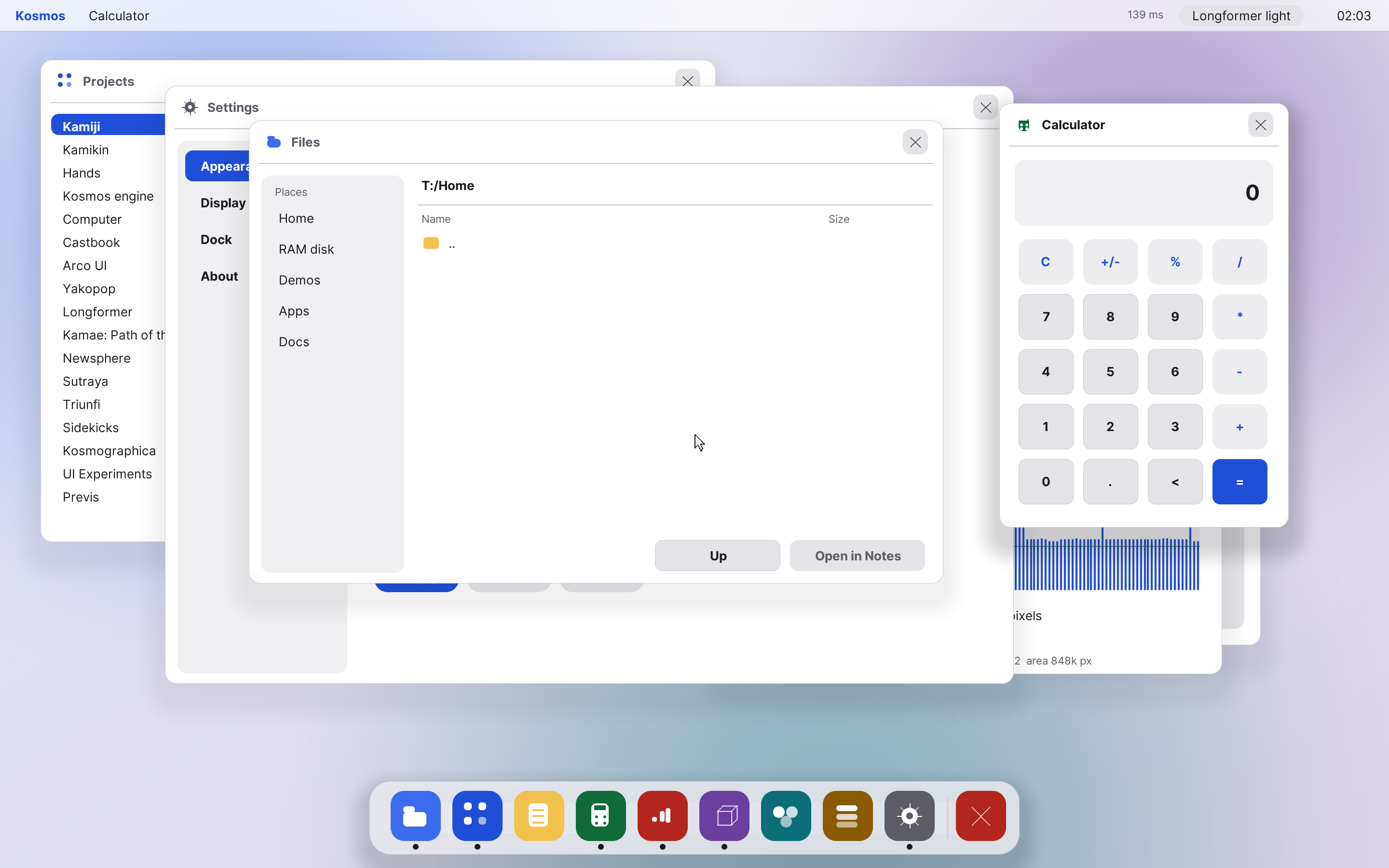
01 · Desktop
Switch between macOS, Windows 11, glass and more, light or dark. Every window, icon and font is a setting, and the defaults are pixel-identical to the first build.
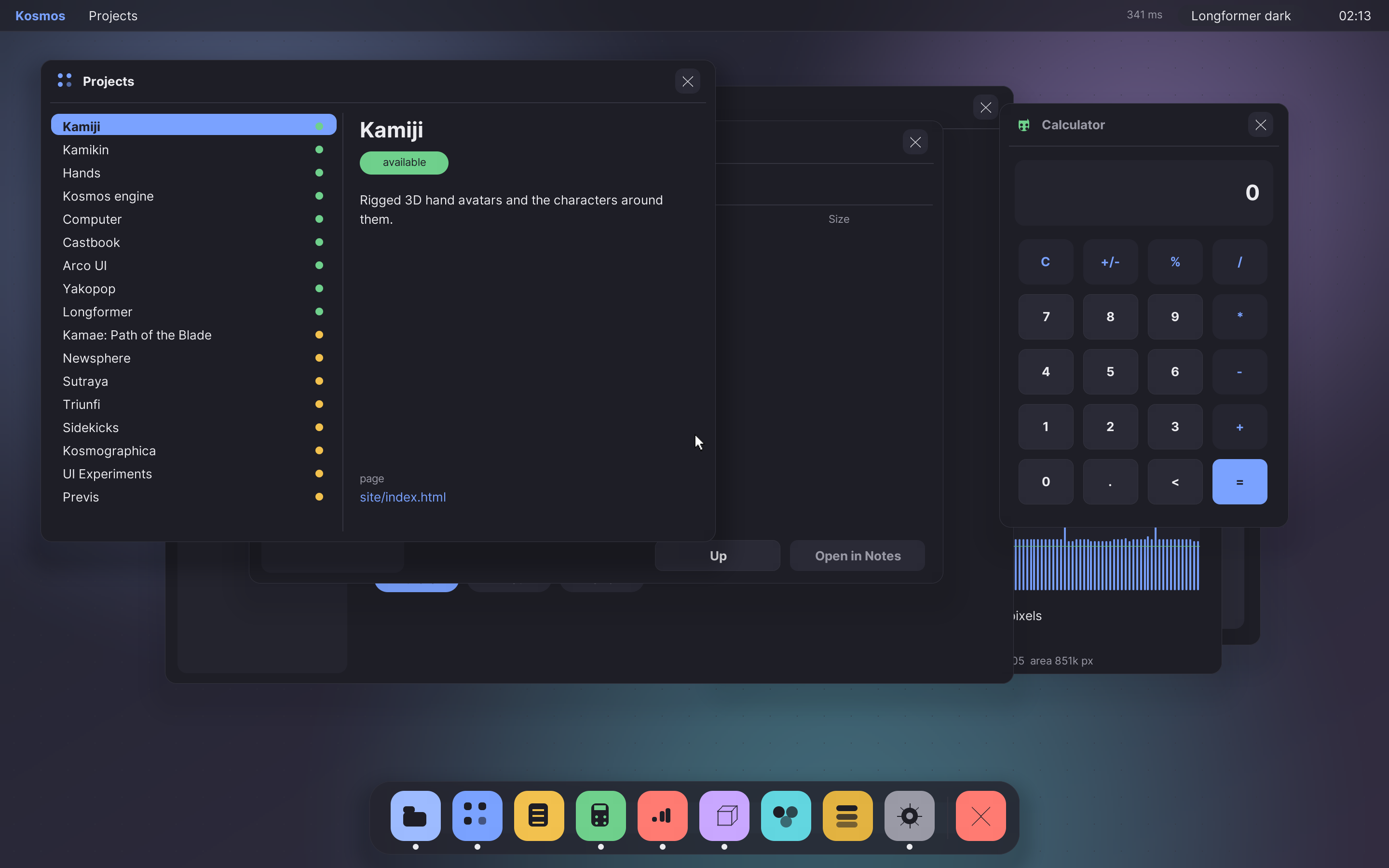
02 · Apps
Files, Notes, Calendar, Clock, a spreadsheet, a music player and a chat with animated avatars. Each one is one HolyC file.
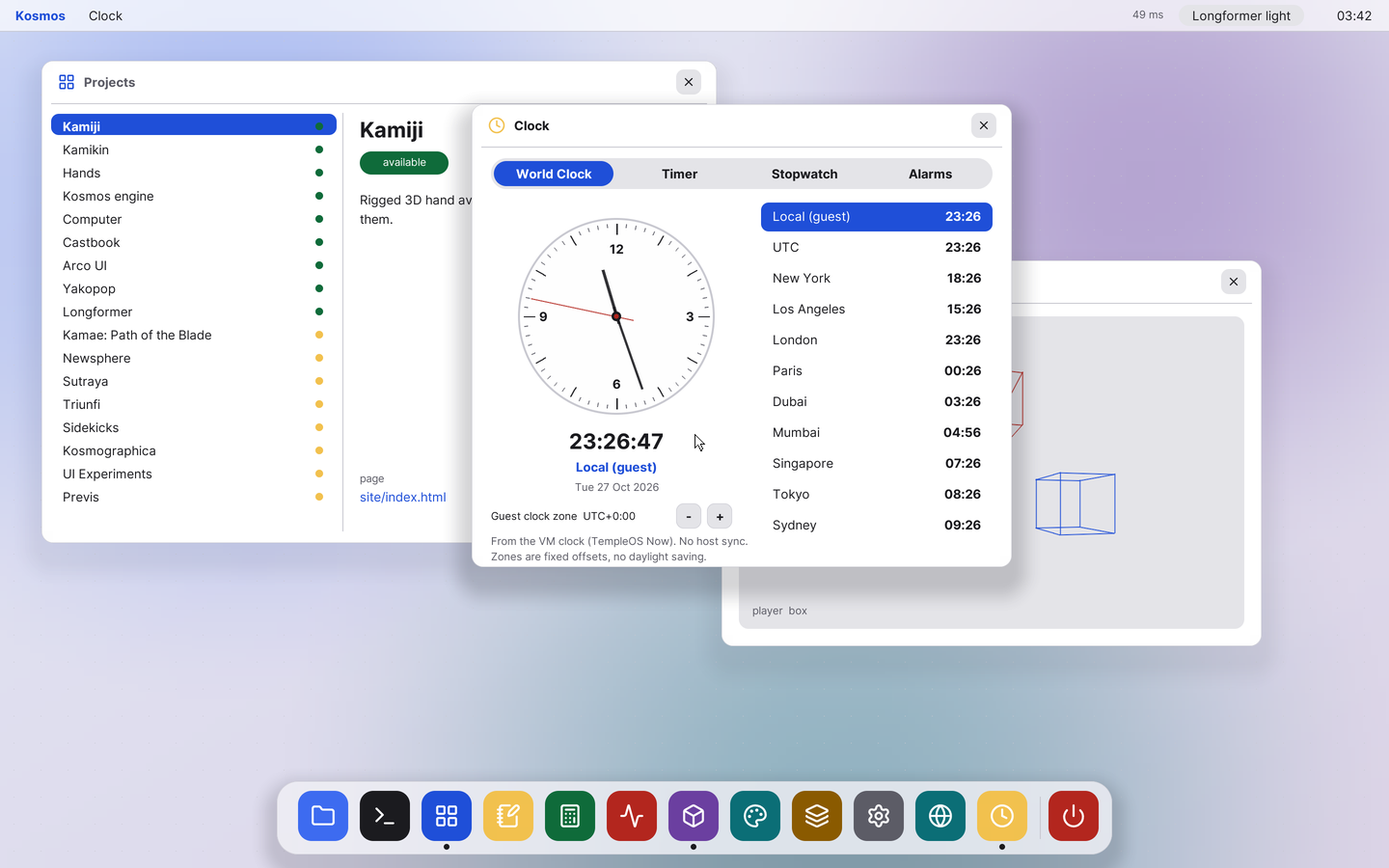
03 · Browser
A browser whose pages are drawn by the desktop itself, with a host engine behind it for modern sites.
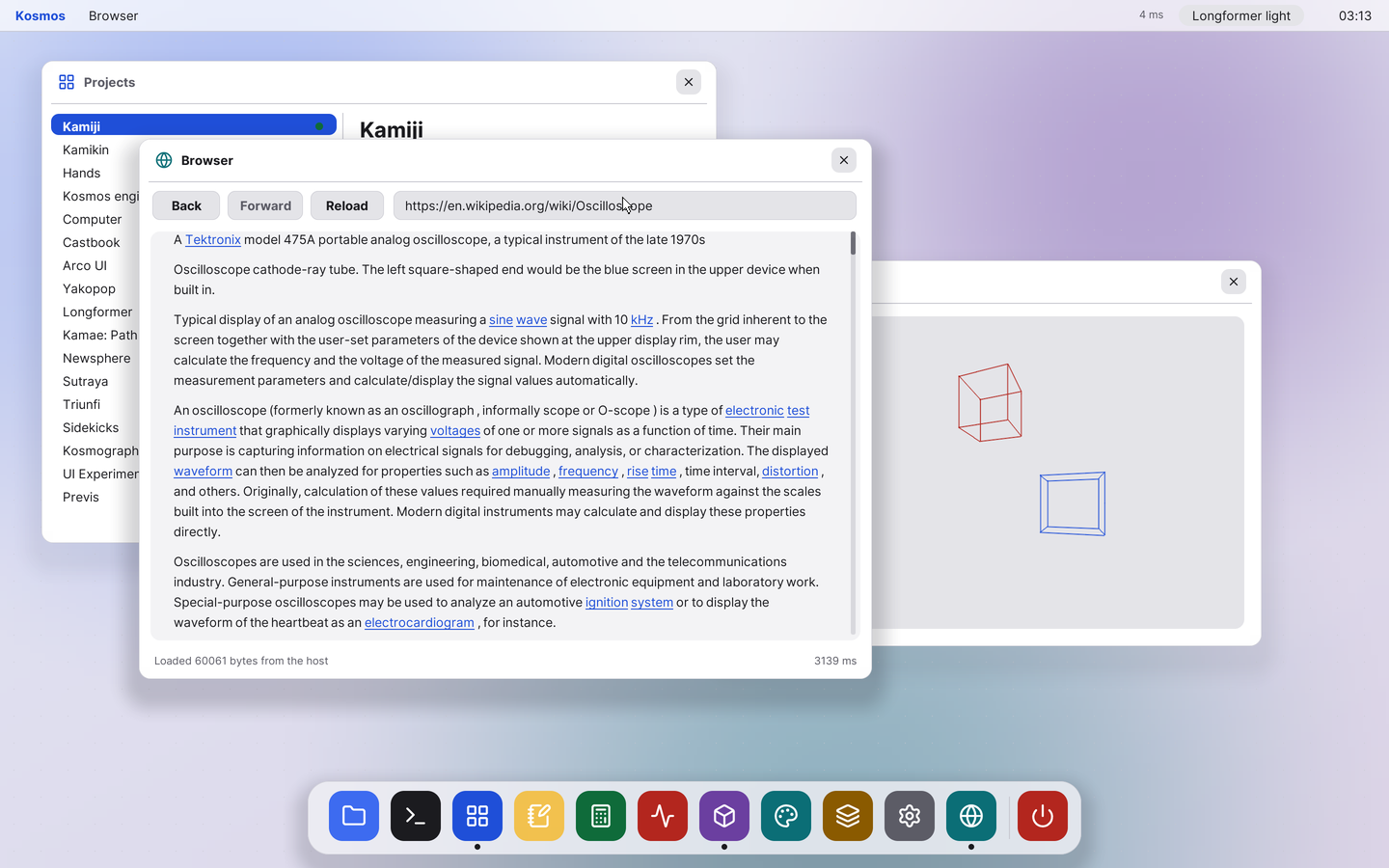
04 · Type
A v2 text engine draws anti-aliased Inter, Computer Modern and Liberation at any size, with a native Font Book.
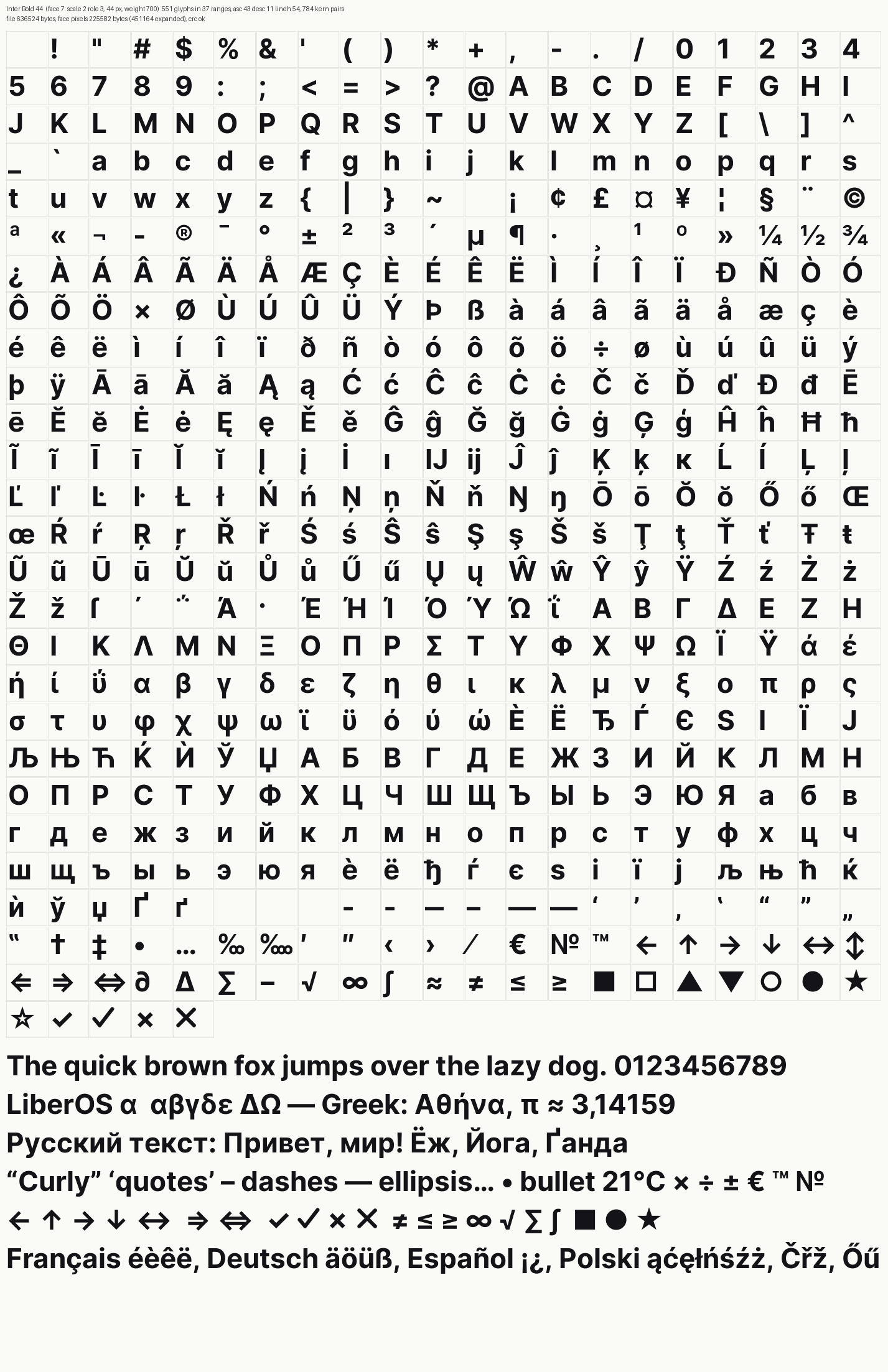
Where this is going. An OS you can create in, with help.
A creative suite in the desktop: sheets, photos, vectors, documents and slides. Explore the suite →
Agents with a seat at the desktop, under rules you set. See the plan →
A performance pass cut the big numbers. Flip the switch to see the before.
Bars are scaled to the "before" value in each row. Boot compares a cold start (about 2.5 minutes of loading) with the saved VM image.
A few of the apps. See all of them.
A list of the Kosmos family projects, with a status and a page for each.
Browses the real TempleOS drives and the Demo, Apps and Doc folders. Opens text, runs programs.
A text editor that saves to the RAM drive.
A web browser painted by HolyC, with a host engine for modern pages.
A plain calculator in the desktop style.
World clocks, alarms, a timer and a stopwatch.
Open windows, write a note, do a sum, or learn the language.
Build the image, run it in QEMU, and the desktop is there in a few seconds.