Five styles
macOS, Windows 11, Kosmica glass and two more, each light or dark. Style switches crossfade.
The desktop
Kosmos Temple Desktop 3 draws everything itself in logical units, so the same code runs at 1x and 2x.
macOS, Windows 11, Kosmica glass and two more, each light or dark. Style switches crossfade.
Icons magnify under the pointer. The pill blurs whatever sits behind it.
Chrome kind, geometry, title bar gradient, buttons, shadow and motion, with nine colour schemes. Export and import a one-line theme.
Shape, fill, bevel, gloss, glow and grain for every app icon, with eight presets.
A ring with a dot and a thin bar, then a 600 ms crossfade. The TempleOS terminal never shows.
Dragging a large window at 2880x1800 takes about 9.5 ms a frame. The Monitor app shows the numbers.
The original has no compositor. Ours has one, and it is ours.
Still the original way
Added on top
So it follows the spirit of the original, not the letter: we replaced the middleman with code we own, at the same privilege. How TempleOS draws its own windows internally is not something we have verified. The full note is in the docs.
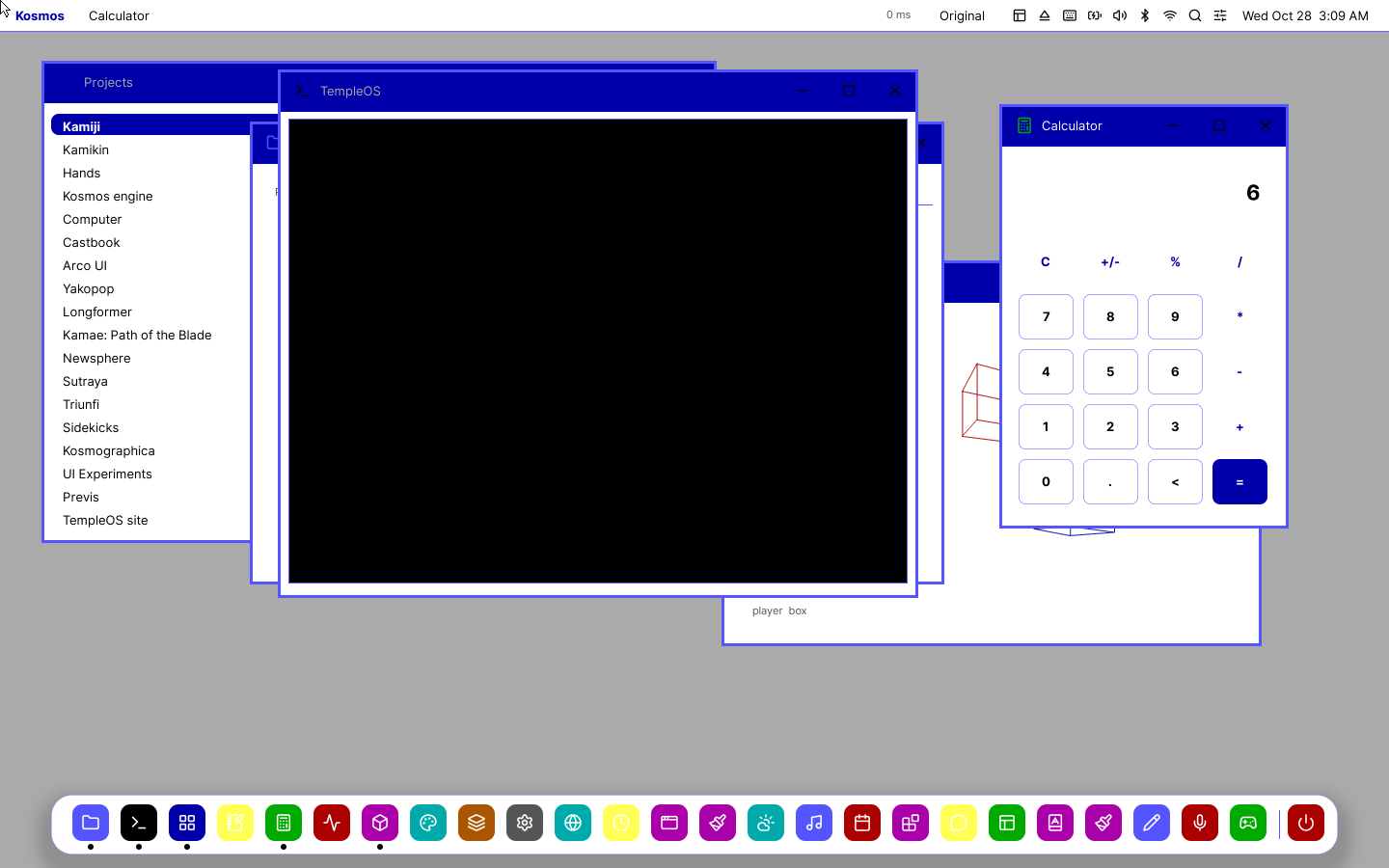
A theme with no shadows, blur or translucency, in the 16 VGA colours. On the native build a full redraw takes about 3.0 ms instead of 6.7, and dragging a large window about 0.9 ms instead of 1.4. One run on one Mac.
Build the image, run it in QEMU, and the desktop is there in a few seconds.