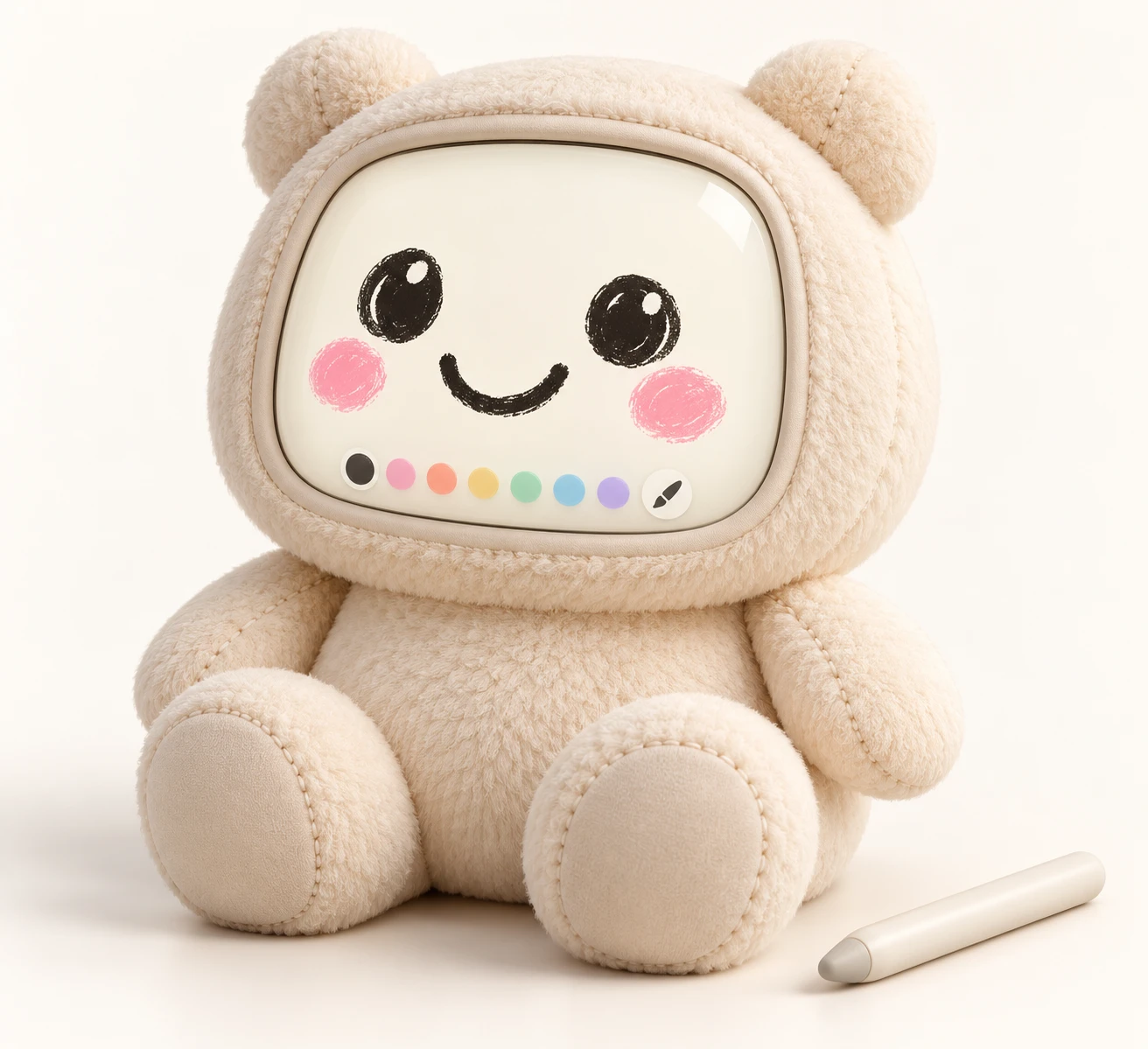


Today works now
Use the React component by vendoring it into your app. This is how OpenHands uses it.
- Clone the repository (access required):
git clone https://github.com/FraterCCCLXIII/kamiji.git - In your app (React 19 or newer), install the three dependencies the library uses, at the pinned versions:
npm install three@0.186.1 react-icons@5.6.0 - Copy
src/andassets/kamiji.glbinto your app, keeping that layout, for example:
The component finds the model withvendor/kamiji/src/ vendor/kamiji/assets/kamiji.glbnew URL("../assets/kamiji.glb", import.meta.url), so the relative path must stay, and your bundler must support that pattern (Vite does). - Use it:
import { KamijiAvatar } from "./vendor/kamiji/src";
import "./vendor/kamiji/src/kamiji.css"; // emote animations

export function Agent() {
  return (
    <KamijiAvatar
      color="#ffd23f"
      expression="happy"
      pose="peace"
      size={96}
      alt="Planner agent"
    />
  );
}
Props: color, expression, animation, pose, poseDurationMs, speaking, lockFace, shape, shapeDurationMs, size, className, alt. The index also exports KamijiWithEmote, KamijiGitIcon and KamijiHandsUp.
The 3D scene loads lazily and one WebGL renderer serves every avatar. Without WebGL, or with reduced motion on, it shows a flat SVG hand.
Mochi: copy assets/mochi/ and load the GLBs with three.js yourself. There is no mochi React component yet.